
ORGANIZE THE RESPONSE
AI · Understand & organize
Organize dialogue and interaction states so sound and avatar express the same response.
Ambient & Spatial
Explore a spatial experience built from sound, a virtual avatar, and AI interaction.
Around a speaker form, explore visible motion, expression, and rhythm for music and conversation.
Music × Avatar
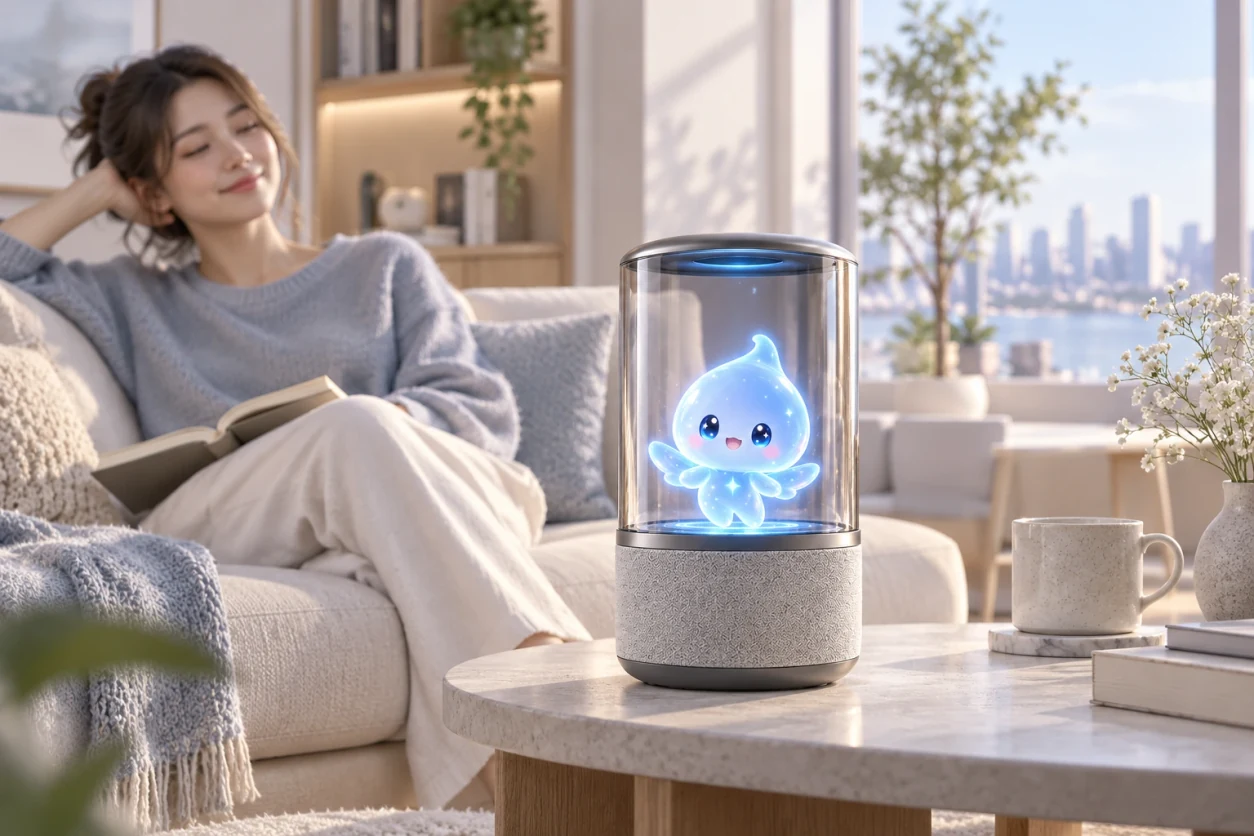
This experience direction focuses on synchronizing music and the avatar: changes you hear become changes you can see.
As the music softens, the avatar responds with smaller movements. Not every song needs a dance.
More pronounced input brings a broader visual response.
The waveform flattens and the avatar settles back, leaving the room quiet.
Beats drive motion, energy changes its intensity, and musical sections change the pose or visual response.
Dance, sway, expression, particles, or light are possible directions, chosen for the music and the specific product.
When the music ends, the avatar returns to a calm state.
Spatial AI Speaker
The direction combines audio, spatial visuals, and AI interaction. How they work together remains to be verified in the product.
Organize dialogue and interaction states so sound and avatar express the same response.
Music and speech come from the speaker, making the content audible.
Movement and expression make listening and responding easier to recognize.
“Let’s talk for a while.”
The avatar shows a listening state.
Content and state are organized around the exchange.
Hear the reply and see its accompanying expression.
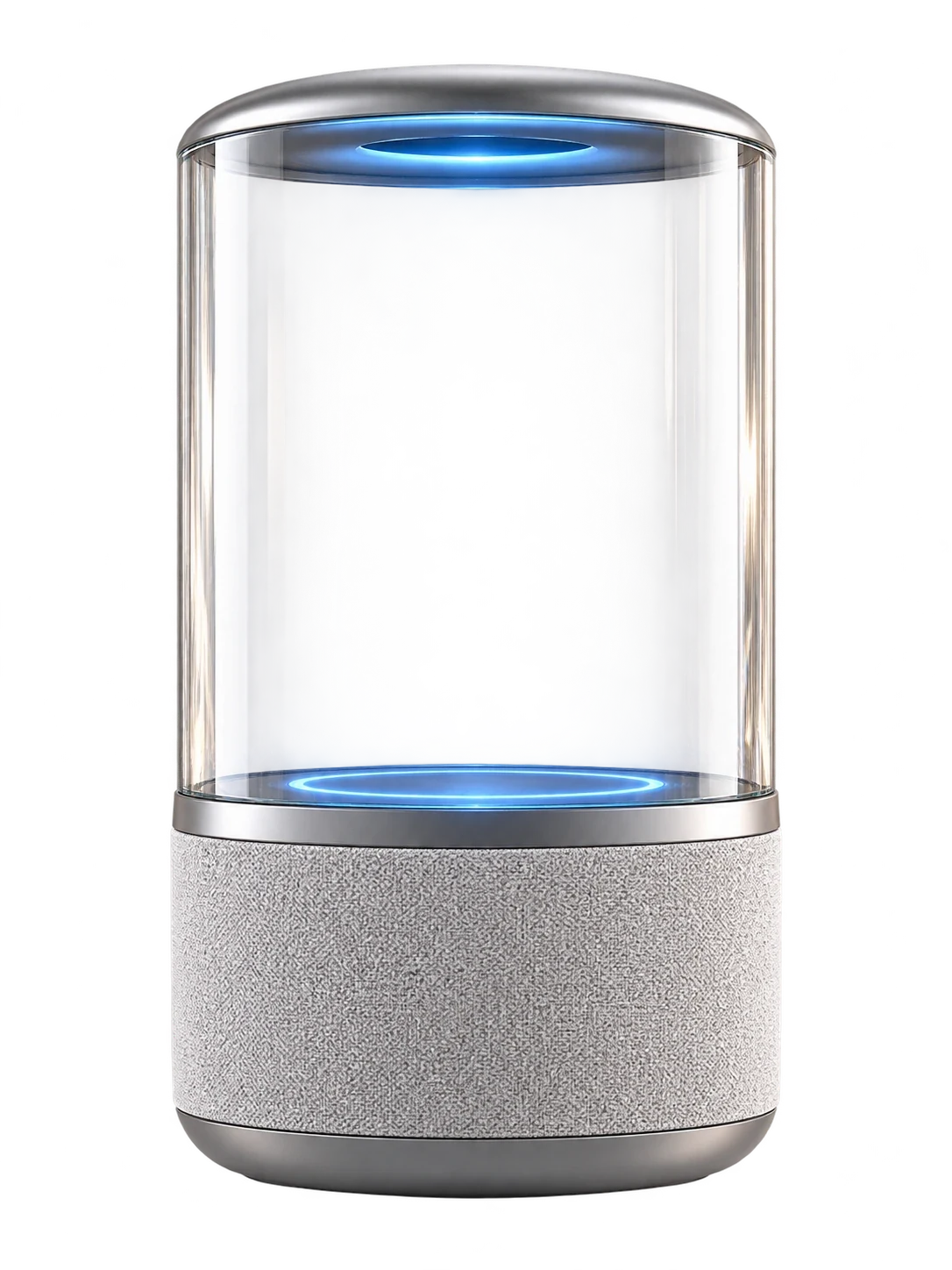
Form direction: a speaker base and a transparent or semi-transparent visual area hold the avatar.
Interaction direction: use motion and expression to show states such as listening and responding.
Explore how sound, characters and devices can work together in your space and the way people interact with them.